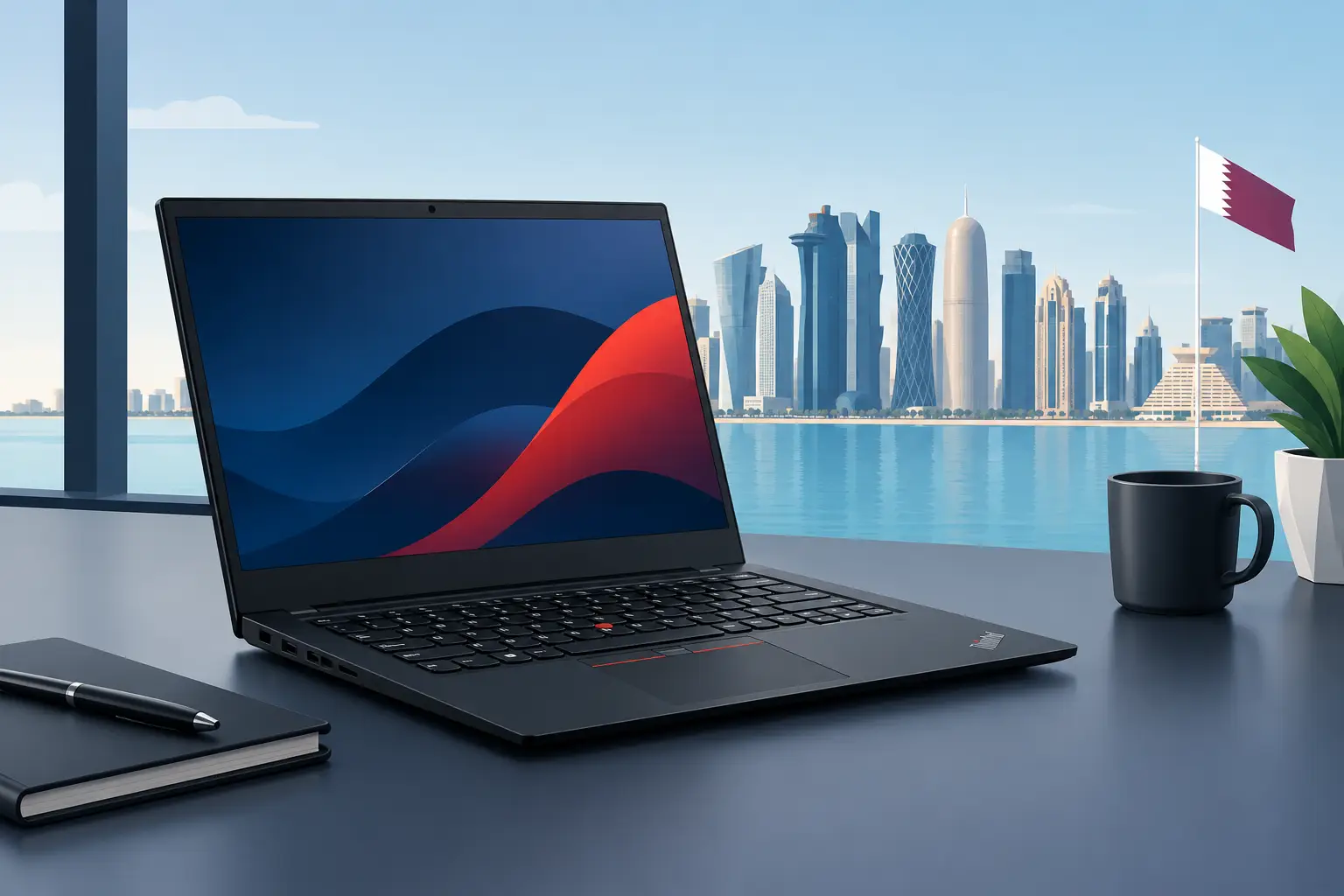

A laptop fleet becomes a business risk when it is selected only on processor speed or purchase price. For organisations comparing a Lenovo ThinkPad business laptop Qatar procurement, the more valuable question is whether each device will stay secure, productive and supportable through its working life. ThinkPad systems are built for professional use, but the right model depends on the people using it, the applications they run and the level of management required.
For more than 30 years, Delta Business Systems has helped organisations in Qatar specify business technology that supports daily operations as well as long-term growth. That starts with choosing devices that are appropriate for the role, not simply purchasing the same laptop for every employee.
Why ThinkPad remains a business standard
ThinkPad laptops have long been a practical choice for corporate environments because they focus on the details that matter after deployment. The familiar keyboard, durable construction, business-class security options and broad configuration range help organisations create a consistent working experience across departments.
Consistency has commercial value. It simplifies purchasing, image deployment, user support and replacement planning. When employees move between offices, work from client sites or travel regularly, they can rely on a familiar device with the ports, wireless connectivity and battery performance needed to remain productive.
A ThinkPad is not automatically the right answer for every role. A finance user working mainly in browser-based systems has very different needs from an architect running design software or an executive who spends most of the week in meetings. The advantage of the range is that businesses can match the laptop to the workload without compromising on enterprise-grade foundations.
Selecting a Lenovo ThinkPad business laptop in Qatar
A sound specification begins with a role-based assessment. Purchasing teams should identify how many device profiles they genuinely need. In many organisations, three profiles are sufficient: a standard office laptop, a mobile leadership laptop and a high-performance workstation. This approach controls cost while avoiding the productivity losses caused by under-specified devices.
Standard office and operations users
For administration, sales support, accounting and general operations, ThinkPad L Series and selected E Series models can provide an effective balance of cost, performance and manageability. A current-generation Intel Core or AMD Ryzen processor, 16 GB of memory and a fast solid-state drive will suit most users working with Microsoft 365, ERP platforms, web applications and video meetings.
The specification should allow for the expected lifecycle, typically three to five years. Buying the minimum memory and storage capacity may reduce the initial spend but can shorten the useful life of the fleet. For many corporate users, 16 GB RAM and 512 GB SSD storage offer a sensible baseline rather than an unnecessary upgrade.
Mobile professionals and executives
Teams that spend significant time between sites need a lighter device without losing business capability. ThinkPad T Series and X Series models are well suited to managers, consultants, project teams and executives who value portability, battery life and premium build quality.
For these users, screen size is a practical decision. A 14-inch display usually provides the best balance for travel, while a 16-inch laptop can be more comfortable for users who work extensively with spreadsheets, documents or multiple windows. A USB-C docking solution at the desk can turn either choice into a full workstation with external displays, keyboard, mouse and wired network access.
Technical, engineering and creative workloads
Data analysis, software development, CAD, 3D modelling and media production require a different class of device. ThinkPad P Series mobile workstations can be configured with higher-performance processors, dedicated graphics and larger memory capacities for demanding professional applications.
This is where procurement should avoid a one-size-fits-all policy. A workstation supplied to a basic office user creates unnecessary cost, while a standard laptop issued to an engineer may lead to slow rendering, missed deadlines and user frustration. Confirm application requirements before selecting CPU, graphics, memory and display specifications.
Security and manageability should shape the decision
Hardware protection is not a separate concern from laptop selection. ThinkPad business systems can support features such as TPM-based security, fingerprint readers, privacy shutters, smart-card options and Windows security capabilities. The exact features vary by model and configuration, so they should be assessed against the organisation’s access policies and risk profile.
For IT teams managing larger fleets, remote management support is equally valuable. Standardised configurations make it easier to deploy operating system images, apply policies, monitor assets and replace a device quickly when required. These measures reduce the time IT staff spend resolving avoidable variations across the fleet.
A device is only as secure as its operating environment. Organisations should pair laptop procurement with endpoint protection, identity controls, encrypted backups and clear procedures for lost or damaged devices. For hybrid teams, a properly configured docking and network setup can also help staff work securely from office and home locations without creating informal workarounds.
Plan the full deployment, not just the laptop purchase
The laptop itself is one part of the user experience. A successful rollout also considers displays, docks, chargers, carry cases, adapters and warranty cover. Employees who regularly connect to external screens or wired networks should receive compatible accessories from the outset rather than sourcing them later in an inconsistent way.
Configuration before delivery can save considerable time. A corporate fleet may need Windows installation, driver updates, BIOS settings, encryption, domain or cloud enrolment, asset tagging and application deployment before it reaches the user. This enables staff to begin work with a device that is ready for the organisation’s standards, rather than placing that burden on the internal IT team.
Local availability is particularly important when onboarding new staff, opening a project office or replacing a failed device. Businesses in Doha can benefit from local ThinkPad stock, genuine products with official manufacturer warranty and fast delivery across Qatar. For planned refresh projects and bulk orders, competitive corporate pricing is best requested against a clear bill of requirements rather than based solely on public retail specifications.
Questions to ask before requesting a quotation
Before seeking pricing, confirm the number of users, their key applications, desired screen sizes, memory and storage expectations, required ports, operating system edition and expected replacement cycle. It is also useful to establish whether users need docks, monitors or mobile accessories, and whether the IT team requires setup, data migration or ongoing maintenance support.
Warranty terms deserve careful attention. A lower-priced configuration may not offer the service level a business needs when downtime is costly. Consider where support will be delivered, the expected repair response, the availability of replacement equipment and whether an IT Annual Maintenance Contract would strengthen internal support capacity.
For organisations with wider infrastructure projects, laptop planning can be aligned with server, storage, network and power-protection requirements. This creates a more future-ready technology environment, particularly where teams depend on reliable access to central applications and data.
The best ThinkPad fleet is one that makes work easier without creating hidden support demands. To discuss a Lenovo ThinkPad business laptop requirement, request a corporate quotation or product consultation by emailing business@dbsqatar.com or calling +974 3139 3916. A well-planned choice now gives every user a dependable platform for the work ahead.