
A server can have the fastest processor and ample memory, yet still become a business risk if a single disk failure brings down critical applications. Knowing how to configure RAID storage properly helps protect operational continuity, maintain application availability and give IT teams time to replace failed hardware without an immediate outage.
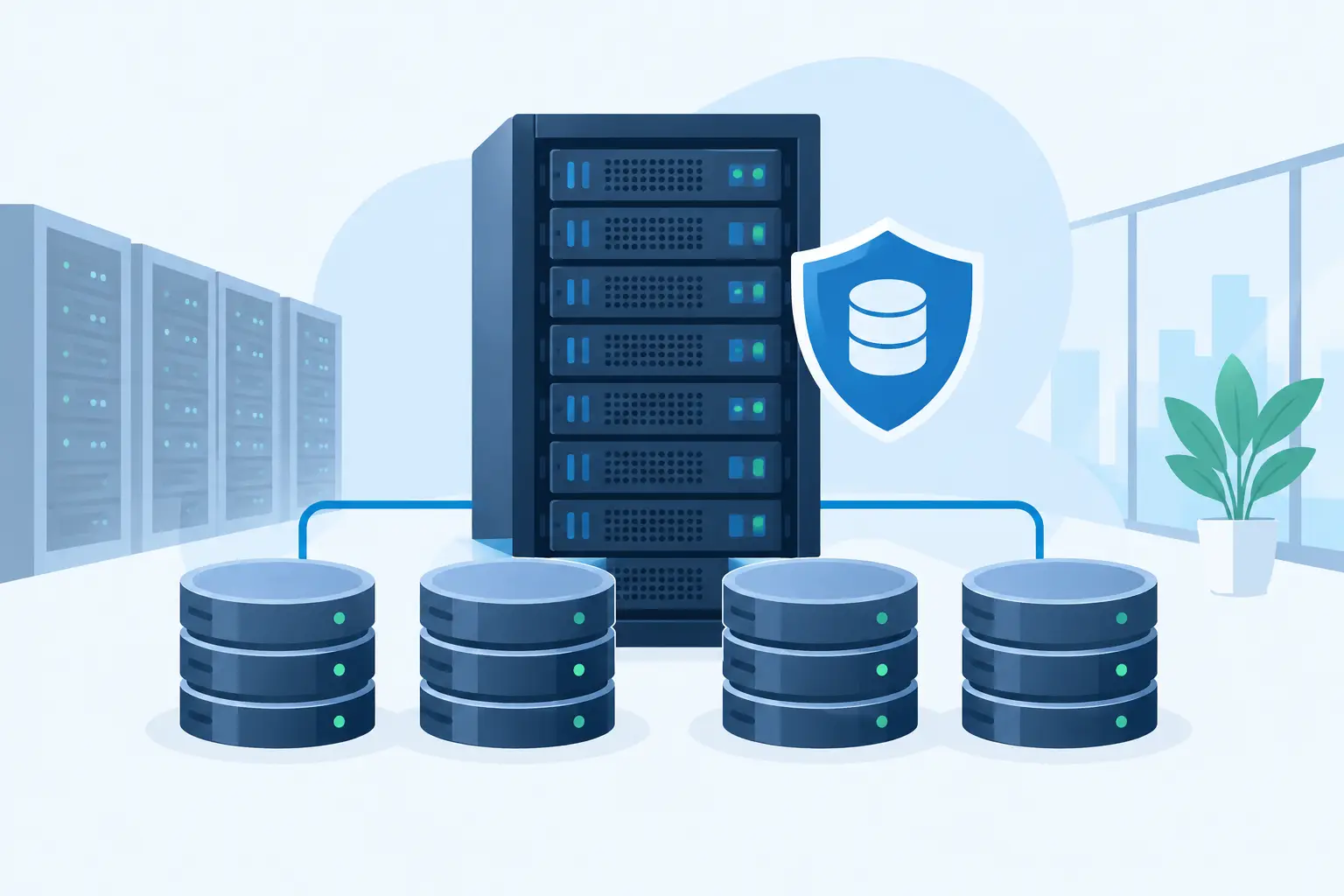
RAID, or Redundant Array of Independent Disks, combines physical drives into a logical storage group. Depending on the RAID level selected, that group can improve performance, provide protection against drive failures, or balance both objectives. It is a core design decision for file servers, virtualisation hosts, database servers, backup repositories and many other business workloads.
Before You Configure RAID Storage
Start with the workload, not the RAID level. A small office file server, a virtual machine host and a high-transaction database system have very different requirements for capacity, input/output performance and recovery time. The appropriate configuration depends on how the organisation uses data, how much downtime it can tolerate and what recovery process is already in place.
First, identify the data that will live on the server. Operating system files, virtual machines, databases, shared documents and backup data should not automatically be placed on the same RAID array. Separating workloads can improve performance, simplify maintenance and reduce the impact of a storage issue. For example, a server may use a mirrored pair for its operating system and a separate RAID 10 array for virtual machines.
Drive selection matters just as much as RAID selection. Enterprise-grade SSDs generally offer low latency and strong performance for databases and virtualised workloads, while enterprise HDDs can provide economical capacity for file storage and backup retention. All drives within an array should normally match in type, capacity, speed and interface. Mixing drives may cause the controller to limit the array to the performance or capacity of the weakest disk.
Also confirm that the server has a suitable hardware RAID controller. On Dell PowerEdge servers, a PERC controller can manage RAID arrays independently of the operating system and provide useful features such as cache protection, predictive drive monitoring and online rebuilds. Controller cache backed by a battery or flash protection module is particularly valuable where write performance and data integrity are priorities.
RAID is not a backup. It protects availability when a drive fails, but it does not protect against accidental deletion, ransomware, fire, theft, application corruption or a site-wide incident. A resilient infrastructure combines RAID with tested backups, access controls, monitoring and a documented recovery plan.
Choose the RAID Level Around Business Risk
The most common RAID levels are straightforward, but their trade-offs should be considered before deployment.
RAID 1 for essential operating systems
RAID 1 mirrors data across two drives. If one drive fails, the server can continue operating from the remaining drive. Usable capacity is half of the total raw capacity, but configuration and recovery are simple. RAID 1 is a sound choice for operating system volumes, management partitions and smaller workloads where availability matters more than large capacity.
RAID 5 for capacity-focused storage
RAID 5 uses distributed parity and requires at least three drives. It can tolerate one drive failure while making better use of total capacity than RAID 1 or RAID 10. However, parity calculations can reduce write performance, and rebuilds on large-capacity HDD arrays can take considerable time. During a rebuild, performance is often reduced and the array has less fault tolerance.
For this reason, RAID 5 may suit moderately active file shares or archive data, but it is usually not the first choice for intensive databases, busy virtual machine environments or business-critical systems with a narrow downtime window.
RAID 6 for stronger protection on large arrays
RAID 6 requires at least four drives and can withstand two drive failures. It is often considered for larger-capacity arrays where rebuild time is a concern and capacity efficiency remains important. The trade-off is additional parity overhead, especially on write-heavy workloads.
RAID 10 for performance and resilience
RAID 10 combines mirroring and striping, requiring at least four drives. It offers strong read and write performance, fast rebuild characteristics and protection against a single drive failure in each mirrored pair. Its usable capacity is 50 per cent of raw capacity, but many organisations consider that cost worthwhile for virtualisation, databases and line-of-business applications.
For business-critical Dell PowerEdge deployments, RAID 10 is often the practical starting point where low latency, predictable performance and rapid recovery are more valuable than maximum usable capacity.
How to Configure RAID Storage on a Server
The exact screens vary by server generation and controller, but the process follows a consistent sequence. Carry out the work during an approved maintenance window if the server is already in service, and confirm that a verified backup exists before changing any existing storage configuration.
Begin by installing the drives in the server’s designated bays. Check that each drive is recognised by the RAID controller and that its firmware status is healthy. New drives may appear as ready or unconfigured good. A drive already assigned to another array must be handled carefully, because clearing old configuration metadata may remove access to existing data.
Next, access the server’s storage configuration utility during start-up or use the server’s remote management interface. Select the RAID controller, create a new virtual disk, select the required physical drives and choose the RAID level. The system will then prompt for virtual disk settings such as capacity, stripe size, read policy and write policy.
For most standard deployments, the controller’s recommended stripe size is appropriate unless the application vendor specifies otherwise. Database and virtualisation platforms can have distinct storage recommendations, so align the controller settings with the application design rather than making arbitrary changes. Write-back cache can improve performance, but it should only be used when the controller has protected cache and the server is supported by a correctly sized UPS.
Name the virtual disk clearly. Labels such as OS_RAID1, VM_RAID10 or FILE_RAID6 make future support and incident response far easier than default names. If the controller offers a fast initialisation option, remember that it prepares the array for use but does not replace background consistency checks. Full initialisation can take longer, especially with large HDD arrays, but may be appropriate before placing critical workloads into production.
Once the virtual disk is created, confirm its health status and present it to the operating system. Initialise and partition the logical disk using the appropriate filesystem for the platform, then install the operating system or restore the intended workload. Keep operating system volumes, application data and backup targets separate where the design and budget allow.
Protect the Array After Deployment
RAID configuration is not a one-time task. A healthy array needs monitoring, replacement planning and periodic validation. Configure alerts through the server management platform so that the IT team receives notifications about predicted drive failures, degraded arrays, cache battery status, temperature issues and controller faults.
Keep at least one compatible spare drive available for critical servers. A hot spare can be assigned to an array so rebuilding starts automatically after a drive failure, but an on-site cold spare may also be suitable for smaller environments. The right choice depends on the required recovery time and whether the system is attended around the clock.
Test the operational process before an incident occurs. Confirm that authorised staff know how to identify the failed drive by bay location, replace it safely, monitor the rebuild and verify application performance afterwards. Never remove a drive solely because an operating system reports a generic storage alert. Confirm the precise failed disk through the RAID controller or server management console first.
Power protection is part of storage protection. An unexpected shutdown during active writes can damage filesystems and interrupt RAID rebuilds, even where controller cache is protected. A correctly sized Eaton UPS gives the server time to ride through short power events or shut down in a controlled manner during a longer outage.
For organisations in Qatar that need help selecting drives, RAID controllers, Dell PowerEdge servers and UPS protection as one accountable solution, Delta Business Systems can advise on a configuration matched to the workload and recovery objectives. Local stock availability, genuine products with official manufacturer warranty, fast delivery across Qatar and competitive corporate pricing can be arranged on request. For an initial technical discussion, email business@dbsqatar.com.
A well-designed RAID array should make a drive failure an organised maintenance event rather than a business emergency. Request a server storage quotation or product consultation by emailing business@dbsqatar.com or calling +974 3139 3916.