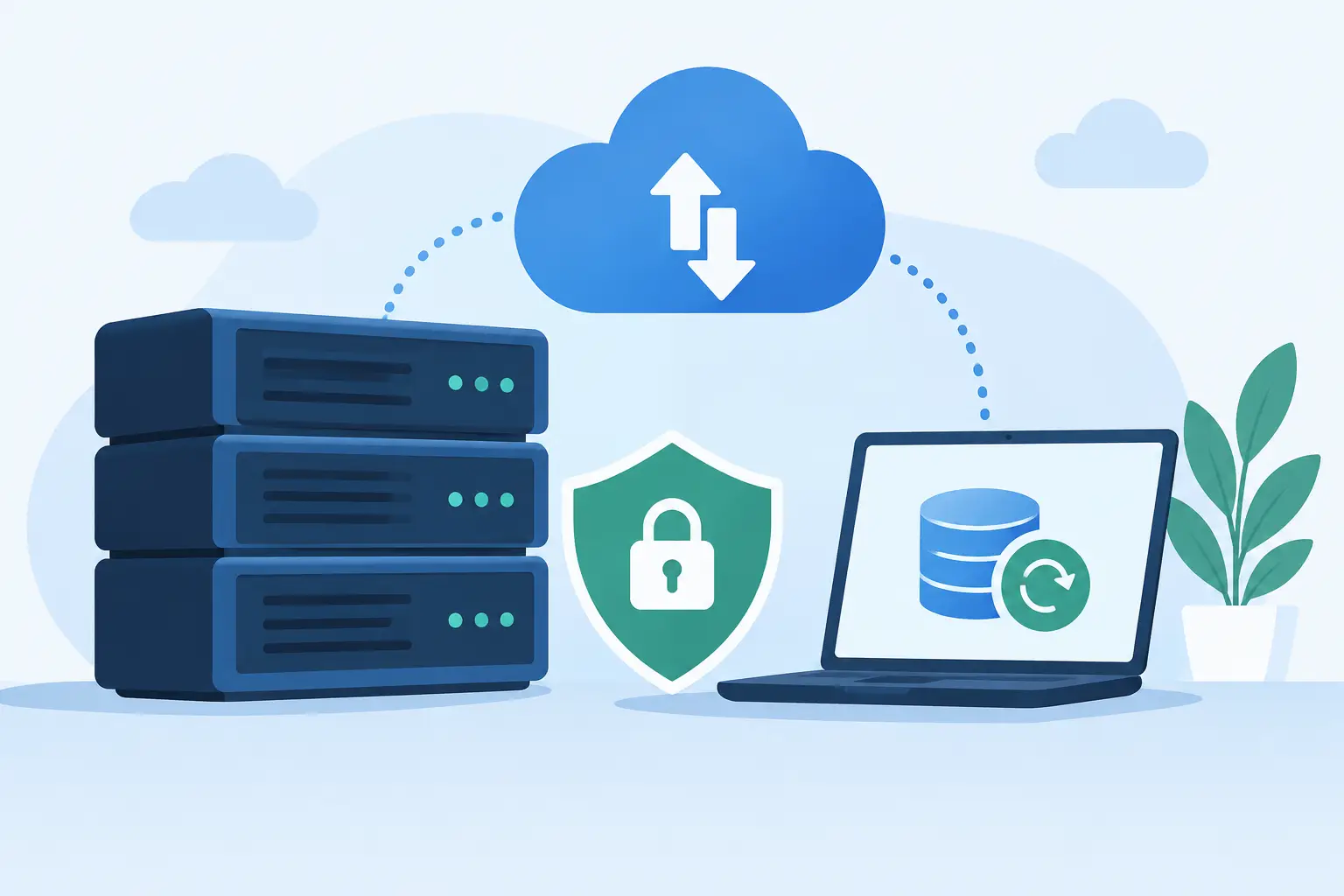

A server failure rarely arrives at a convenient time. It may follow a failed storage device, a ransomware incident, an accidental deletion, a power event or a software update that does not complete as expected. Knowing how to plan server backups gives your organisation a practical route back to normal operations, rather than leaving recovery to chance.
For businesses that depend on customer records, finance systems, emails, applications and shared files, a backup plan is a business continuity decision as much as an IT task. The right approach protects information, limits downtime and gives management a clear understanding of what can be recovered, how quickly, and from where.
Start with the systems your business cannot afford to lose
Not every server, application or folder has the same value. A productive backup strategy begins by identifying the systems that support daily operations and the data held within them. This commonly includes virtual machines, databases, file servers, email platforms, line-of-business applications, Active Directory, configuration files and shared departmental data.
Speak with finance, operations, HR and department managers as well as IT. They will often identify information that is essential but not obvious from a server inventory, such as a database used by a specialist application or a shared folder containing contractual records. Record the server name, data owner, storage location, size, sensitivity and business impact if it becomes unavailable.
This exercise prevents a common mistake: backing up everything with the same frequency and retention period. That can consume unnecessary storage and budget while still failing to protect the data that needs the shortest recovery time.
Set recovery objectives before choosing backup technology
The most useful backup plans are built around two measures: Recovery Time Objective and Recovery Point Objective.
Recovery Time Objective, or RTO, is the maximum acceptable time to restore a service after an incident. A payroll system may need to return within a few hours, while an archive server could tolerate a day or longer. Recovery Point Objective, or RPO, defines how much recent data the organisation can accept losing. An RPO of four hours means backups or replication must capture changes at least every four hours.
These targets involve trade-offs. More frequent backups, high-speed recovery storage and replication to a second site can reduce downtime and data loss, but they require additional capacity, bandwidth and management. A small organisation may prioritise overnight backups for most systems, while a larger operation may need frequent application-aware backups for databases and virtual machines.
The objective is not to pursue the lowest possible RTO and RPO for every workload. It is to agree targets that match operational risk, compliance duties and the real cost of an outage.
Use the 3-2-1 principle as a baseline
A proven foundation is the 3-2-1 backup principle: maintain at least three copies of important data, stored on two different types of media, with one copy kept off-site. For many organisations, this means production data on the server, a local backup copy for fast restores, and a protected copy at another location or in cloud storage.
A local backup is valuable when staff need to recover a file quickly or restore a virtual machine without waiting for a large download. An off-site copy protects against risks that affect the primary location, including fire, theft, flooding or a widespread ransomware event. If bandwidth, data residency or application size makes cloud-only recovery impractical, a secondary office, secure data centre location or removable encrypted media may be part of the design.
The principle is a starting point, not a guarantee. Ransomware has made immutable or otherwise protected backup copies increasingly valuable. These copies cannot be altered or deleted for a defined retention period, even if an attacker gains administrative access to the production environment. For critical workloads, consider separating backup credentials from normal domain administration and using multi-factor authentication for backup management.
Match backup methods to each workload
A backup plan should specify more than a schedule. It should state what type of backup is taken, where it is stored, how long it is retained and who is responsible for checking it.
Full backups capture all selected data and are straightforward to restore, but they take more time and capacity. Incremental backups capture changes since the previous backup, reducing daily storage and backup windows, although recovery can require several backup sets. Differential backups record changes since the last full backup, offering a middle ground. Modern backup platforms may use changed-block tracking, deduplication and compression to make frequent server protection more practical.
Databases and transactional applications need particular attention. A simple file-level copy may not provide a consistent, recoverable database. Use application-aware backups that coordinate with services such as Microsoft SQL Server and ensure transaction logs are included where required. For virtual environments, protect both the virtual machines and the configuration information needed to restore them correctly.
Retention should reflect operational needs and legal obligations. Daily backups retained for a month may suit routine recovery, while monthly or annual copies may be needed for financial records or regulated documents. Avoid retaining every version forever by default. Storage costs and recovery complexity rise quickly when retention is not governed.
Design the infrastructure around recovery, not just backup completion
A green backup status does not prove that a business can recover. Backup infrastructure must have sufficient server performance, storage capacity, network throughput and power protection to complete jobs within the available window and restore priority systems within their RTO.
Estimate growth realistically. Include current data volumes, annual growth, retention periods, compression expectations and the space required for multiple restore points. Capacity planning should also account for the temporary storage required during recovery. A backup repository that is almost full can turn a manageable incident into a prolonged outage.
The production platform matters too. Dell PowerEdge servers and Dell storage can provide a scalable base for virtualised workloads and backup repositories, while Eaton UPS systems help protect servers, storage and network equipment from power interruptions and enable controlled shutdown when needed. The right design depends on workload size, recovery targets and whether the backup environment is kept on-site, off-site or in a hybrid model.
For organisations in Qatar, locally available equipment and responsive technical support can make a material difference when capacity must be expanded or failed hardware requires attention. Delta Business Systems can help assess infrastructure requirements, supply genuine products with official manufacturer warranty, and support installation, configuration and ongoing maintenance.
Secure the backup environment as carefully as production
Backups contain much of the same confidential information as live systems, and sometimes more because they preserve historical records. Encrypt backup data both in transit and at rest, control access through role-based permissions, and review administrative accounts regularly. Store encryption keys securely and document how authorised personnel can access them during an emergency.
Network segmentation is also worth considering. A backup server placed in the same unrestricted network zone as production systems may be exposed to the same attack. Separating management traffic, limiting access pathways and monitoring unusual deletion or encryption activity adds meaningful protection.
Document who can approve backup policy changes, remove retention points or initiate a major restore. Clear ownership reduces the risk of hurried decisions during an incident and provides accountability during routine reviews.
Test restores on a schedule that reflects business risk
The most dangerous assumption in backup management is that a completed job equals a recoverable system. Files may be corrupt, credentials may be unavailable, a database may not start, or the recovery process may take longer than expected. Testing is the only reliable way to uncover these gaps.
Run regular restore tests for individual files, application data and complete servers. For critical services, test a realistic recovery sequence: restore the server, confirm networking and authentication, start the application, validate data integrity and allow a business user to confirm the result. Measure the time taken and compare it against the agreed RTO.
A quarterly test may be sufficient for lower-priority systems, while highly critical applications may warrant more frequent validation. Keep a record of outcomes, problems found and actions completed. This turns backup planning into a controlled process rather than a set-and-forget task.
Keep the plan current as systems and risks change
Server environments change through new applications, staff departures, hardware upgrades, acquisitions and revised compliance requirements. Review the backup plan at least annually and after any significant infrastructure change. Confirm that new servers are included, retired systems are removed, retention remains appropriate and contact details are accurate.
Your recovery documentation should be available even when primary systems are offline. Include system priorities, backup locations, access procedures, vendor contacts, escalation responsibilities and a clear order of recovery. A concise, accessible runbook is more useful during an outage than a lengthy document no one has tested.
A well-planned backup environment gives leadership confidence that an IT incident does not have to become a business crisis. To discuss server infrastructure, Dell storage, Eaton power protection or a tailored backup strategy for your organisation, request a quotation or product consultation from Delta Business Systems at business@dbsqatar.com or call +974 3139 3916.