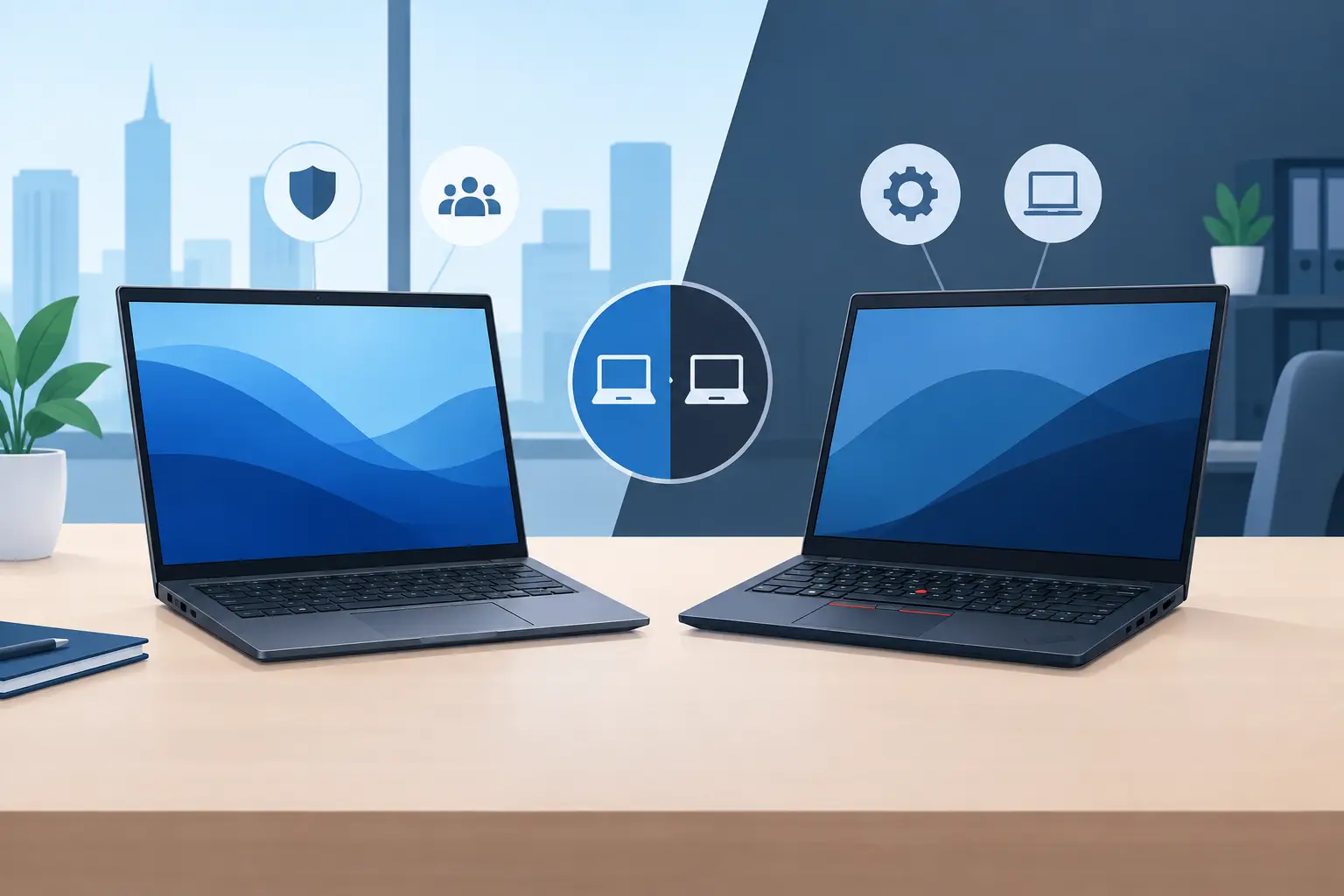

A laptop fleet becomes costly when a device fails during a client meeting, cannot run a required application, or takes too long to replace. The Dell Latitude versus ThinkPad decision is therefore not simply about processor speed or screen size. For organisations, it is a decision about user productivity, security policy, deployment effort, warranty response and the ability to standardise technology as the business grows.
Both Dell Latitude and Lenovo ThinkPad are established business laptop families. Both can be configured for demanding corporate environments, equipped with enterprise security features and supplied with professional support. The better choice depends on the roles in your organisation, the systems your IT team manages and the lifecycle you expect from every device.
Dell Latitude versus ThinkPad: the business decision
Dell Latitude is designed around the needs of managed business fleets, from dependable mainstream notebooks to premium mobile systems for executives and field teams. The Latitude 3000, 5000, 7000 and 9000 series give procurement teams a broad choice of performance, mobility and finish. In practical terms, Latitude is often a strong fit where organisations want consistent imaging, straightforward docking and close alignment with a Dell-based infrastructure strategy.
ThinkPad has an equally strong business pedigree. Lenovo’s ThinkPad L, T, X and P families are widely used in offices, education, government and technical environments. ThinkPads are particularly well regarded for their keyboard experience, practical ports on selected models and the familiar TrackPoint pointing device favoured by many long-term users. The range also covers everything from value-focused office laptops to lightweight executive models and mobile workstations.
There is no universal winner. A finance team working primarily from desks may value a standardised, cost-controlled Latitude 5000 or ThinkPad L series deployment. A travelling executive may prioritise the low weight and premium materials found in selected Latitude 7000 or ThinkPad X models. Engineers using demanding design, analysis or development software may need a Precision or ThinkPad P workstation rather than either organisation’s standard notebook.
Security and manageability for corporate fleets
Security should be assessed at configuration level, not taken for granted because a device carries a business badge. Dell Latitude systems can be specified with business-grade capabilities such as TPM security, fingerprint readers, smart-card options on selected models, privacy shutters and Intel vPro on eligible configurations. Dell also provides firmware and endpoint management tools intended to help IT teams maintain BIOS settings, updates and device visibility across a fleet.
ThinkPad devices offer comparable enterprise-focused options through Lenovo ThinkShield, TPM, biometric authentication and selected vPro configurations. Lenovo’s firmware security features and commercial management tools can support organisations that need defined device controls, especially where compliance, remote working or sensitive information are central concerns.
For an IT manager, the practical question is whether the proposed specification fits the organisation’s security standard. Confirm the processor platform, operating system edition, authentication hardware, BIOS controls and remote-management requirements before approving a model. Two laptops with the same family name can have very different capabilities depending on their exact configuration.
A properly planned deployment should also consider encryption, endpoint protection, user permissions and patching. The laptop is one part of the security environment. It must work with the organisation’s identity platform, network policy and backup arrangements rather than operating as an isolated purchase.
Build quality, usability and mobility
ThinkPad’s reputation for durability is deserved, particularly across its T-series and premium models. Many business users appreciate the deeper key travel and logical keyboard layout, while the TrackPoint remains useful for users who prefer to navigate without moving their hands from the keys. Certain ThinkPad models also retain a practical selection of ports, reducing the need for adapters in meeting rooms and shared offices.
Latitude devices are also built for regular professional use and often appeal to organisations seeking a clean, modern design without compromising on manageability. Higher Latitude series models can offer excellent portability, high-quality displays and versatile connectivity. Dell’s dock ecosystem is a significant consideration for hybrid workplaces, where employees need a consistent desk setup with displays, Ethernet, keyboards and peripherals.
Neither brand should be chosen only on appearance. Ask representative users to handle the shortlisted models. Consider keyboard comfort, display brightness, webcam quality, weight, battery expectations and the placement of USB-C, HDMI and USB-A ports. These small details affect daily satisfaction far more than a marginal difference in benchmark scores.
Performance, memory and application requirements
For standard productivity work, such as Microsoft 365, browser-based applications, ERP access, video calls and document management, a current business-class Intel Core Ultra or Core processor with sufficient memory will generally serve well. The more important decision is setting a realistic standard specification. A device with inadequate memory may appear economical initially but can shorten its useful working life and frustrate users when workloads increase.
For most office employees, 16 GB of RAM and a suitably sized SSD are sensible starting points. Senior users running extensive spreadsheets, multiple browser sessions, reporting tools or virtual desktops may need more memory. Technical users may require higher-performance processors, dedicated graphics and certified workstation hardware. Dell Latitude and ThinkPad models offer a range of configurations, but upgradeability varies significantly by generation and chassis design.
Check whether memory is soldered, whether storage can be expanded, and whether the model supports the displays and docking arrangement your teams use. These checks are particularly valuable when a fleet is expected to remain in service for three to five years.
Cost is more than the unit price
A lower purchase price does not always mean a lower total cost of ownership. An organisation may spend more through unplanned replacements, incompatible docks, lost user time or inconsistent specifications than it saves at the point of purchase. Standardising on one or two approved models can simplify deployment, spare-device planning, accessories, software images and support procedures.
Dell Latitude may be the natural choice for organisations already using Dell monitors, docks, desktops, servers or storage, where common procurement and support arrangements can reduce complexity. ThinkPad may be preferable where users value its input experience, where Lenovo devices are already established, or where a selected model delivers the required specification at a stronger corporate price point.
The right comparison should include the laptop, operating system, warranty term, accidental damage cover where appropriate, docking station, carry case, external display and deployment services. This produces a realistic budget and prevents hidden requirements appearing after devices have been delivered.
Choosing the right Dell Latitude or ThinkPad model
Start by grouping employees according to how they work rather than giving every person the same device. A practical fleet normally includes a standard office model, a lighter option for mobile managers and a higher-performance model for specialist teams. This approach protects budgets while giving users the equipment needed for their responsibilities.
Next, agree a baseline specification and avoid unnecessary variation. Standardising processor tiers, memory, storage, operating system and warranty coverage makes support easier. It also allows faster replacement when a laptop is damaged or requires service. For organisations in Qatar, local stock availability and response times matter just as much as the data sheet, particularly when a new project or employee onboarding programme has a fixed deadline.
Delta Business Systems supports corporate laptop procurement with genuine Dell and Lenovo products, official manufacturer warranty, local availability in Doha and fast delivery across Qatar. With more than 30 years in the local market, DBS can help assess the appropriate Latitude or ThinkPad configuration, arrange competitive corporate and bulk pricing, and support installation, configuration and ongoing maintenance.
A well-selected laptop fleet should make work easier to manage, not create a new support burden. To compare Dell Latitude and ThinkPad options for your organisation and request a tailored quotation, email business@dbsqatar.com or call +974 3139 3916.