
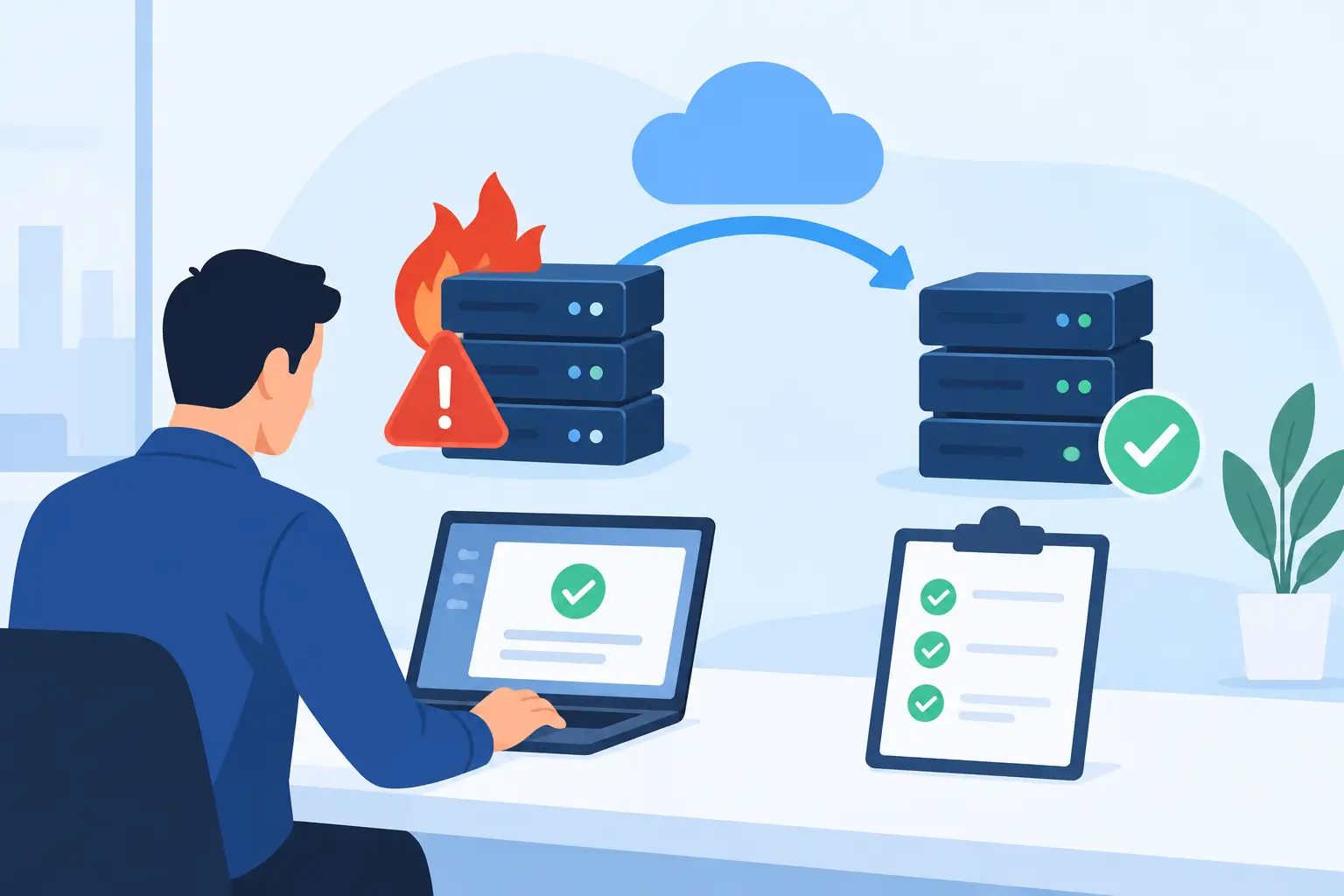

A backup report marked “successful” is not proof that your organisation can recover. The real question is whether critical applications, files, identities and communications can be restored within a timeframe the business can accept. Knowing how to test disaster recovery turns that question into measurable evidence – before an outage, cyber incident or equipment failure puts operations under pressure.
For organisations in Qatar, recovery testing should reflect the consequences of downtime in the real world: missed transactions, inaccessible customer records, interrupted site operations, delayed services and loss of confidence. A useful test does more than validate technology. It confirms that the people, processes, suppliers and facilities required for recovery will work together when normal operations are unavailable.
Start with business recovery targets
A disaster recovery test cannot be judged without agreed targets. Begin by identifying the systems that support your most time-sensitive operations, then set two practical measurements for each one.
The recovery time objective (RTO) is the maximum acceptable time to restore a service. The recovery point objective (RPO) is the maximum acceptable amount of data loss, measured in time. For example, a finance system with an RPO of four hours must be restored with data no more than four hours old. A file archive may tolerate a day of data loss, while a transactional database may not.
These figures should come from business owners, not assumptions made by IT alone. A three-hour outage may be manageable for one department but unacceptable for customer-facing systems, payroll, security monitoring or operational technology. Document dependencies as well. An application may appear restored but remain unusable if its database, domain services, network connection, licences or third-party access are not available.
How to test disaster recovery in stages
A full failover is not the right first test for every organisation. The most effective approach is progressive: prove the plan on paper, validate individual recovery components, then test an end-to-end business scenario. This keeps risk proportionate while exposing gaps early.
Begin with a tabletop exercise
Gather IT, operations, senior management and key department representatives. Present a realistic event, such as a ransomware infection affecting shared storage, a server-room power incident, or the loss of a core line-of-business application. Ask each participant what happens next, who has authority to declare an incident, how staff communicate and where recovery takes place.
A tabletop exercise quickly reveals missing contact details, unclear decision rights and outdated assumptions. It is also an effective way to include executives who may not need to operate recovery tools but must make decisions about customer communications, expenditure and acceptable service levels.
Test backup restoration, not just backup jobs
The next stage is to restore selected data into an isolated environment. Choose a representative mix: a database, shared departmental files, a virtual machine, user permissions and a business application. Confirm that the restored system starts correctly, that users can sign in, and that the data is readable and current enough to meet its RPO.
Do not stop once files appear in the recovery location. Ask the department that uses the application to perform several ordinary tasks. Can it generate a report, process a record, print a document or retrieve the information needed to serve a customer? Technical restoration without operational usability is not a successful recovery.
Run a controlled service failover
Where systems and risk controls allow, test the recovery environment under realistic load. This might mean moving a non-critical workload to alternate infrastructure, operating a key service from restored Dell server and storage resources, or switching protected systems to a secondary location. Define a maintenance window, rollback conditions and named decision-makers before starting.
Measure the test from the moment the incident is declared, not merely from when an engineer begins the restore. Record how long it takes to identify the issue, obtain approvals, recover systems, validate applications and notify users. Those earlier stages are often where an apparently achievable RTO is lost.
Build scenarios around likely disruption
A generic test plan creates generic results. Select scenarios that reflect your environment, risks and contractual obligations. Server hardware failure, corrupt backups, accidental deletion, prolonged power loss, network failure, cyberattack and loss of a key SaaS service each require different actions.
Power deserves particular attention in server rooms and offices. A UPS may provide the time needed for systems to shut down cleanly or continue operating through a brief interruption, but its runtime, battery condition and load must be tested against reality. Include the failure of a UPS, not only mains power loss, in the test programme. Eaton power protection can support continuity plans, yet the value comes from correctly sized equipment, monitored batteries and documented shutdown or generator procedures.
Consider people-related scenarios too. What happens if the primary administrator is unavailable? Can an authorised colleague find encrypted backup keys, recovery credentials, vendor contacts and the latest network documentation? A recovery plan that depends on one person’s memory is a single point of failure.
Capture evidence, issues and ownership
A test produces value when its findings lead to changes. Keep a timed record of every action, decision, failure and workaround. Compare actual outcomes with RTO and RPO targets, then classify the gaps by business impact.
Your post-test report should state what was tested, the scenario used, participating teams, systems recovered, actual recovery times, data recovery point achieved and unresolved issues. Assign every corrective action to a named owner with a deadline. Typical improvements include increasing backup frequency, correcting storage capacity, updating runbooks, replacing unsupported hardware, improving network resilience or arranging an alternate workspace.
The following checks provide a practical minimum for each planned test:
- Current recovery contacts, escalation routes and supplier details are available to authorised staff.
- Backups restore successfully, including application data, configurations and access permissions.
- Recovered services meet agreed RTO and RPO targets or have a documented exception.
- Business users validate essential transactions, not only technical start-up checks.
- Findings are recorded, approved and converted into tracked remedial actions.
Test more often when change is frequent
Annual testing may be adequate for stable, low-risk systems, but it is rarely enough for organisations making regular infrastructure or application changes. Test after a major server replacement, storage migration, operating system update, backup redesign, office move, acquisition or change to critical suppliers. Any change that alters data location, identity management, network paths or application dependencies can invalidate part of an existing plan.
Smaller organisations do not need an enterprise-scale simulation every quarter. They do, however, need a repeatable schedule. A sensible pattern may be monthly backup restore checks, quarterly tabletop exercises and an annual controlled failover for the most critical service. The right frequency depends on the cost of interruption, rate of change and regulatory or customer requirements.
Ensure the infrastructure supports the plan
Recovery objectives must be achievable with the infrastructure available during an incident. If restoring several terabytes across a constrained connection takes two days, a four-hour RTO is not credible. If an ageing server cannot run the restored workload at acceptable performance, the application may be technically online but operationally unavailable.
Review compute capacity, storage performance, backup retention, network bandwidth and power protection as part of each exercise. For businesses upgrading or formalising their recovery capability, Delta Business Systems can advise on appropriately configured Dell PowerEdge servers, Dell storage and Eaton UPS systems, with installation, configuration and ongoing support. Genuine products with official manufacturer warranty, local stock availability in Doha and fast delivery across Qatar can reduce delays when critical infrastructure needs attention.
A recovery test should leave your organisation more prepared than it was the day before, not simply produce a compliance record. If you need help assessing recovery targets, validating backup restoration or planning resilient server and power infrastructure, request a quotation or product consultation from business@dbsqatar.com or call +974 3139 3916. The most useful recovery plan is the one your team can prove, improve and trust when normal operations stop.