
A finance system fails at 10:15am. Staff cannot access shared files, customer records or the documents needed to keep work moving. In that moment, the on-premises versus cloud backup decision is no longer an infrastructure discussion. It determines how quickly the business can recover, how much data may be lost, and whether operations can continue.
For organisations in Qatar, the right answer is rarely based on one factor alone. Recovery speed, security obligations, internet connectivity, data growth, budget structure and the importance of each application all shape the decision. A well-designed backup strategy protects more than files. It protects productivity, reputation and the organisation’s ability to meet its commitments.
On-Premises Versus Cloud Backup: The Core Difference
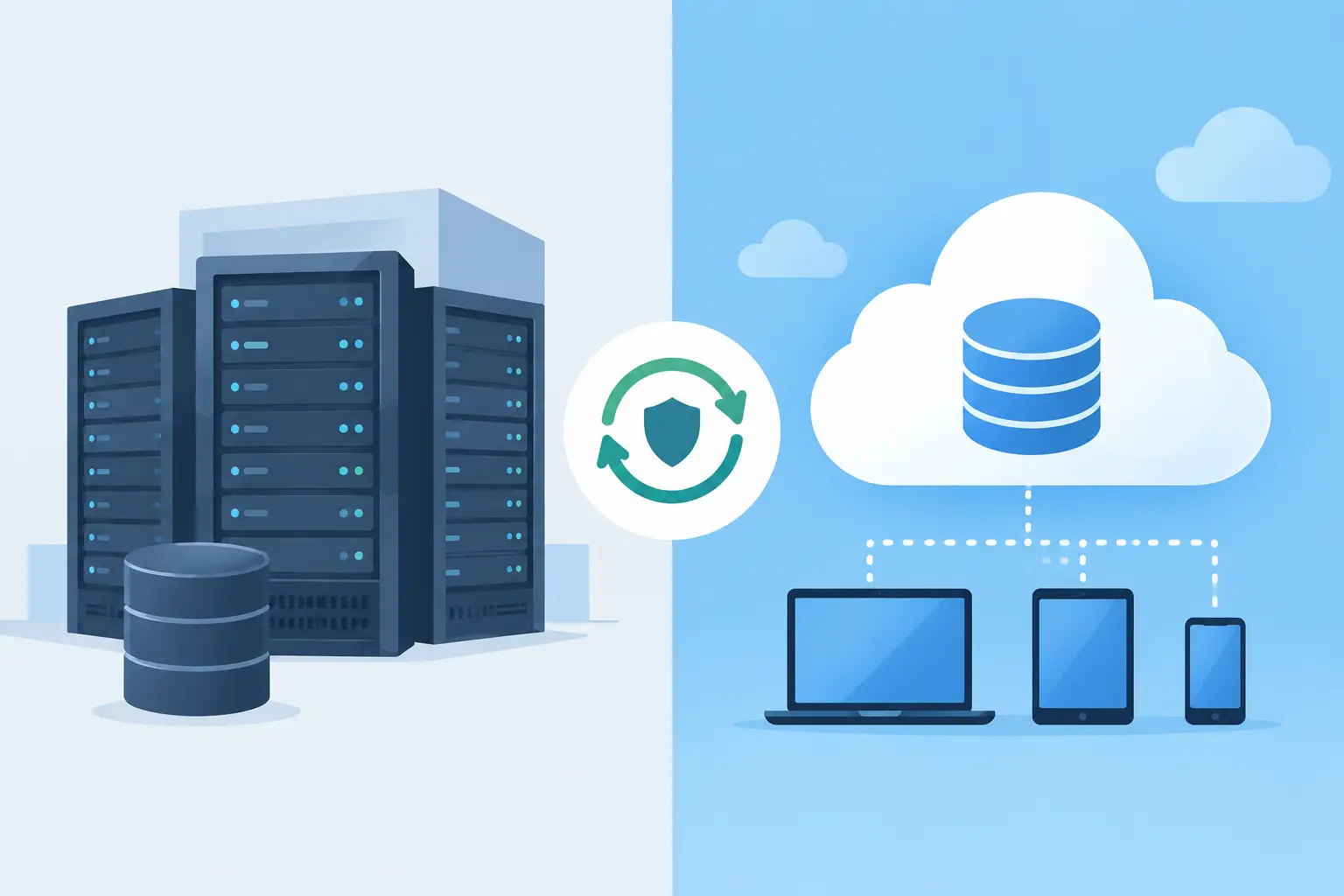
On-premises backup keeps backup copies within your own environment, typically on a dedicated backup server, network-attached storage or storage array in the server room or data centre. Your IT team controls the hardware, access policies and recovery process directly.
Cloud backup sends encrypted backup data to a provider-operated off-site platform. The infrastructure is maintained remotely, while your business accesses the service through an internet connection and agreed retention policies. This removes the need to own all backup capacity, but it also makes restoration performance partly dependent on available bandwidth and the amount of data that must be retrieved.
Neither model is automatically better. A small office relying mainly on Microsoft 365 and cloud-based applications may gain considerable value from cloud backup. A company running a business-critical database, ERP platform or large engineering files from an in-house server may need rapid local recovery that cloud-only backup cannot always provide.
Where On-Premises Backup Delivers Value
The primary advantage of on-premises backup is speed. Recovering a virtual machine, database or several terabytes of data across a local network is usually far quicker than downloading the same information from an off-site service. For organisations with short recovery time objectives, that difference can protect hours or even days of productive work.
Local backup also gives the business direct control over storage capacity, encryption keys, retention and physical access. This can be useful where contractual terms, internal governance or sensitive records require closely managed handling of data. There are no recurring cloud storage charges that rise unexpectedly as retention periods and data volumes expand.
However, local does not mean fully protected. A fire, flood, theft, major power event or ransomware attack that reaches connected backup repositories can affect primary data and its backup copies at the same site. Hardware also needs monitoring, patching, lifecycle planning and enough capacity for future growth.
For this reason, on-premises backup should sit on purpose-built, dependable infrastructure. Dell PowerEdge servers and Dell storage can provide a scalable foundation for backup workloads, while an appropriately sized Eaton UPS helps maintain clean power and allows systems to shut down safely during an outage. Fast recovery only matters if the underlying platform remains available when it is needed.
Best suited to local recovery requirements
On-premises backup is often the strongest fit when a business needs to restore large data sets quickly, runs core applications locally, has limited or inconsistent internet bandwidth, or must keep operational copies under direct site control. It is also a practical first recovery layer for organisations that cannot afford extended downtime after server failure or accidental deletion.
Where Cloud Backup Delivers Value
Cloud backup creates the geographical separation that a single office or server room cannot provide. If a site is inaccessible or local systems are damaged, a protected copy remains outside the affected location. That off-site resilience is one of its most valuable benefits.
It can also simplify capacity planning. Instead of purchasing hardware for the maximum storage requirement upfront, organisations can scale storage as data grows. This shifts part of the cost from capital expenditure to an ongoing operating expense, which may suit businesses seeking predictable service-based budgeting.
Cloud backup is particularly useful for remote teams, branch offices and cloud applications. It can centralise protection policies across different locations and reduce the need to transport physical backup media. Encryption in transit and at rest, multi-factor authentication and carefully controlled administrator access are essential, not optional, components of this approach.
The trade-off is recovery time. Uploading daily incremental backups is often manageable, but restoring a large server estate through an internet connection can take longer than restoring from local storage. Costs also need scrutiny: storage, retention, egress, testing and protected workload fees can all influence the total cost over several years.
Questions to ask before choosing cloud-only
Before committing to cloud-only backup, establish the amount of data that may need restoring during a serious incident and calculate how long that transfer would take using real available bandwidth. Confirm where data is stored, how long it is retained, who controls encryption and whether recovery can be tested without disrupting live operations. A backup that has never been restored is an assumption, not a recovery plan.
Why Hybrid Backup Is Often the Practical Choice
For many organisations, the most effective approach is not on-premises versus cloud backup as an either-or decision. It is a hybrid design: retain a local copy for fast restores and replicate a protected copy off site for disaster recovery.
This approach supports the widely used 3-2-1 principle: keep at least three copies of important data, on two different forms of storage, with one copy held off site. For higher-risk environments, an additional immutable or isolated copy adds protection against ransomware and malicious deletion. Immutability prevents backup data from being changed or removed for a defined period, even if an attacker gains elevated credentials.
A hybrid model lets an IT team restore a deleted file or failed virtual machine locally, while retaining a separate recovery path if the building, hardware or local network is compromised. It also allows different policies for different systems. Critical finance, ERP and operational databases can receive frequent local backups and off-site replication, while lower-priority archives may be sent directly to cloud storage on a less frequent schedule.
Choose by Recovery Objectives, Not Storage Preference
The most productive discussion starts with recovery objectives. Recovery point objective, or RPO, defines the maximum acceptable amount of data loss. If the RPO is one hour, backups or replication must capture changes at least every hour. Recovery time objective, or RTO, defines how quickly the service must be operational again.
A payroll database may require a short RPO and RTO. Archived project documents may tolerate a longer recovery window. Treating both systems identically wastes budget in one case and creates risk in the other. Classifying applications by business impact gives decision-makers a clearer basis for technology investment.
Also consider the full recovery chain. Backup software, storage, servers, network capacity, administrator permissions, power protection and documented procedures all contribute to a successful restore. A high-capacity backup repository offers little reassurance if there is no tested process for rebuilding a failed server or no UPS protection to prevent avoidable disruption.
Build a Backup Plan That Can Be Proven
A credible backup plan is documented, monitored and tested. It should identify data owners, backup frequency, retention periods, restoration priorities and the people authorised to initiate recovery. Alerts should be reviewed promptly, not left until the next audit or incident.
Regular restore testing is the practical measure of readiness. Test individual files, application data, full virtual machines and, where appropriate, a site-level recovery scenario. Record the actual time required and compare it with the agreed RTO. If the target cannot be met, adjust the design before an outage exposes the gap.
Delta Business Systems W.L.L. helps organisations across Qatar design future-ready backup environments around their operational needs, from Dell server and storage infrastructure to Eaton power protection, configuration, support and maintenance. Local stock availability in Doha, genuine products with official manufacturer warranty and fast delivery across Qatar can help keep critical projects moving, with corporate and bulk pricing available on request.
If you are assessing a new backup platform or need to strengthen an existing recovery plan, request a quotation or product consultation by emailing business@dbsqatar.com or calling +974 3139 3916. The best time to prove that data can be recovered is while every system is still working.