
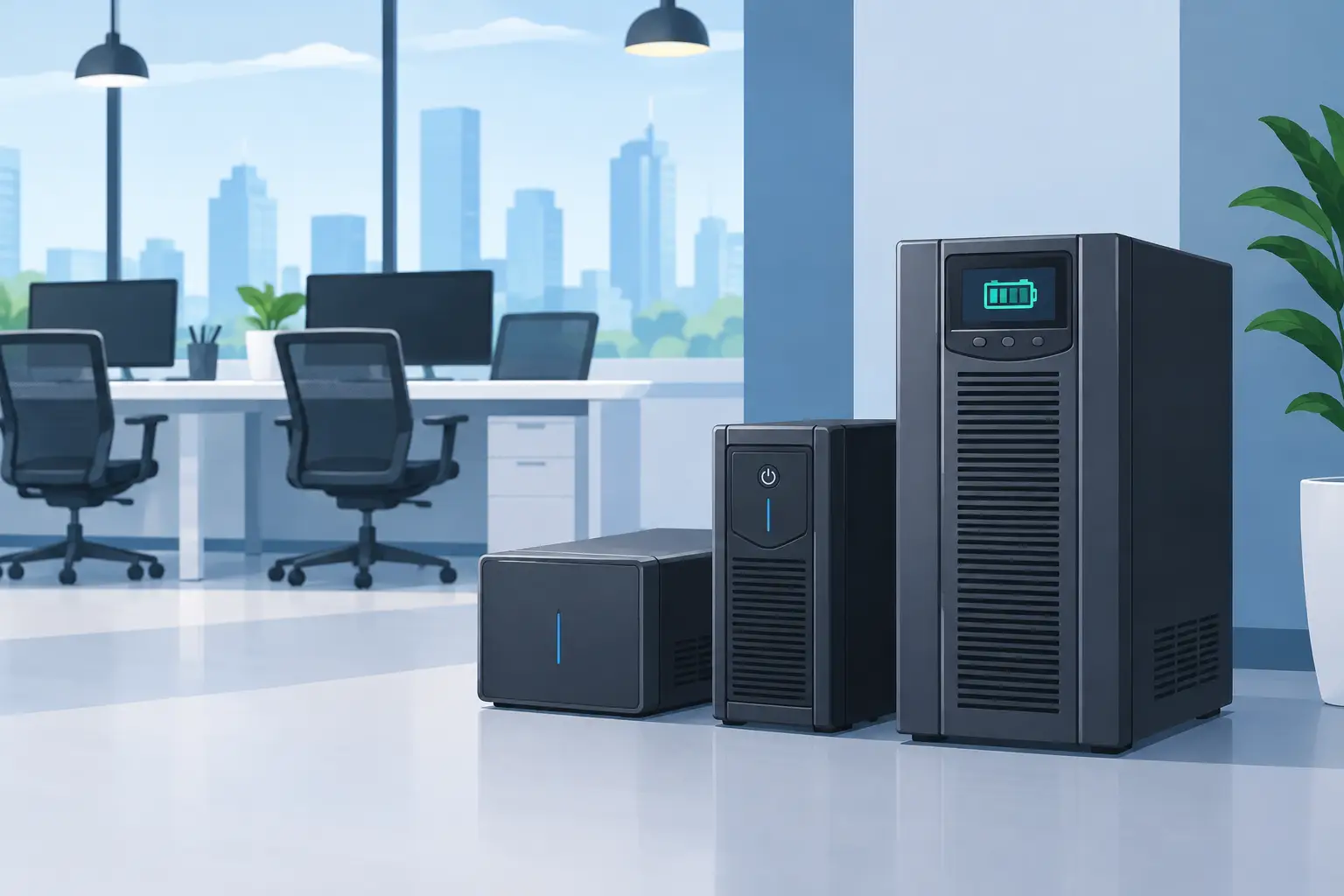

A brief power cut can stop far more than a desktop PC. It can interrupt calls, disconnect network equipment, corrupt open files and leave access systems unavailable. Choosing the right office UPS options gives your team time to continue working, save safely or shut critical equipment down in a controlled way.
What an office UPS should protect
A UPS, or uninterruptible power supply, provides battery-backed electricity when the mains supply fails or becomes unstable. For an office, its value is not limited to preventing a few minutes of inconvenience. It protects productivity, equipment and business continuity at the point where staff, systems and connectivity meet.
The first step is to separate essential equipment from equipment that can wait. Core items often include internet routers, firewalls, switches, Wi-Fi controllers, VoIP systems, NAS devices, small servers and selected workstations. A reception PC, access-control panel or CCTV recorder may also need protection where they support customer service or site security.
A UPS is not normally intended to run every device in the office for hours. Air conditioning, printers, photocopiers, kettles and other high-draw equipment should usually be excluded. This approach controls cost while reserving battery runtime for the services that matter most.
Office UPS options by protection level
The appropriate UPS design depends on the criticality of the load, the quality of the incoming power and the runtime required. The three main types serve different business needs.
Standby UPS for basic desktop protection
A standby UPS switches to battery power when it detects an outage. It is a cost-conscious choice for a single desktop, monitor, router or small peripheral load where short switching time is acceptable. For a home-style or low-priority setup, it can offer useful protection against brief interruptions.
It is less suitable for equipment that cannot tolerate transfer time, for busy network cabinets or for offices exposed to frequent voltage fluctuations. The lower initial cost should be weighed against the role the protected device plays in daily operations.
Line-interactive UPS for most small offices
Line-interactive units are often the practical middle ground for office environments. They regulate minor voltage variations without relying on the battery every time, helping to preserve battery life while maintaining a more stable supply to connected equipment.
This category is well suited to network racks, desktop groups, POS terminals, telecoms equipment and small server installations. For many SMEs, a correctly sized line-interactive Eaton UPS can protect the communications and IT services that keep staff operational during a short disruption.
Online UPS for critical IT and server rooms
An online, double-conversion UPS continuously converts incoming AC power to DC and back to clean AC output. Because the load is supplied through the inverter, there is no transfer delay when mains power fails. This provides the highest level of protection against outages, voltage irregularities and electrical noise.
Online UPS systems are the right consideration for Dell PowerEdge servers, storage, core switching, sensitive medical or security systems, and business workloads where a restart could disrupt operations or risk data integrity. They cost more and generate more heat than entry-level options, so they should be specified with proper load planning, ventilation and future capacity in mind.
How to size an office UPS correctly
A UPS should be selected according to both watts and VA, not by choosing the largest unit available. Watts represent the real power consumed by the equipment. VA reflects apparent power. Modern IT equipment can have different power factors, so relying on one figure alone can result in an overloaded system or an unnecessarily expensive purchase.
Start with an inventory of the devices that must remain powered. Record the wattage shown on each power supply label or use measured consumption where available. Add the figures, then allow sensible headroom for peak demand, a new switch, an additional access point or a future server upgrade. Running a UPS permanently close to its maximum rating limits flexibility and can reduce expected battery runtime.
Runtime is a separate decision. Ten to fifteen minutes may be enough for staff to save their work and for a server to shut down automatically. Thirty minutes or more may be justified for a network rack, security system or office that experiences short, recurring interruptions. If continuity needs extend beyond the expected battery period, the UPS should work as part of a wider plan involving a generator, automatic transfer arrangement or secondary site capability.
A UPS cannot replace a generator for long outages. Its role is to bridge the gap, maintain stable power and enable an orderly response.
Battery runtime is only useful with a shutdown plan
An office can have an excellent UPS and still lose data if servers remain running until the battery is exhausted. Critical systems should be configured to monitor UPS status and begin a controlled shutdown before the reserve is depleted.
For a small office, this may mean saving work and closing applications when staff are notified of an outage. For a server room, it may involve shutdown software that communicates with virtual hosts, storage and operating systems in the right sequence. Network equipment should normally remain online until servers have shut down, allowing monitoring and remote management to continue for as long as possible.
This is where professional installation makes a material difference. The UPS must be connected to the right equipment, the electrical load must be verified, and the shutdown procedure should be tested rather than assumed.
Practical considerations often missed in procurement
The physical environment matters. UPS batteries and electronics perform best in a clean, ventilated space. A cramped cupboard with high ambient temperature can shorten battery life and increase the risk of avoidable alarms. Server rooms should have appropriate cooling, clear access for maintenance and cable management that allows the unit to be inspected safely.
Battery replacement is also part of ownership. UPS batteries are consumable components, not lifetime parts. Their actual life varies with temperature, discharge cycles and charging conditions. A maintenance schedule that includes health checks, alarm review and planned battery replacement is far less disruptive than discovering a weak battery during a power event.
Procurement teams should also check outlet types, rack-mount or tower format, external battery support, communications ports and service coverage. A compact tower may suit a reception area or small comms cabinet, while a rack-mounted UPS can simplify management in a structured server room. For larger requirements, scalable models and extended battery modules can protect growing infrastructure without forcing a complete redesign.
Why local supply and support matter
A UPS purchase is not simply a box delivered to the office. It is a continuity component that needs the correct specification, genuine batteries, manufacturer warranty and support when an alarm occurs. For organisations in Qatar, local stock availability can be decisive when a failed unit or battery needs urgent replacement.
Delta Business Systems supplies genuine Eaton UPS and power-protection solutions with official manufacturer warranty, competitive corporate and bulk pricing on request, and fast delivery across Qatar. With more than 30 years supporting organisations in the local market, DBS can help assess loads, recommend suitable office UPS options and support installation, configuration and ongoing IT maintenance.
The right solution may be a compact UPS for a network cabinet, an online unit for a growing server room, or a phased protection plan for several branches. The best choice is the one that protects the services your organisation cannot afford to lose, without paying for unnecessary capacity.
For a tailored quotation or product consultation, email business@dbsqatar.com or call +974 3139 3916. A clear load assessment today gives your business more control when the next power interruption occurs.