
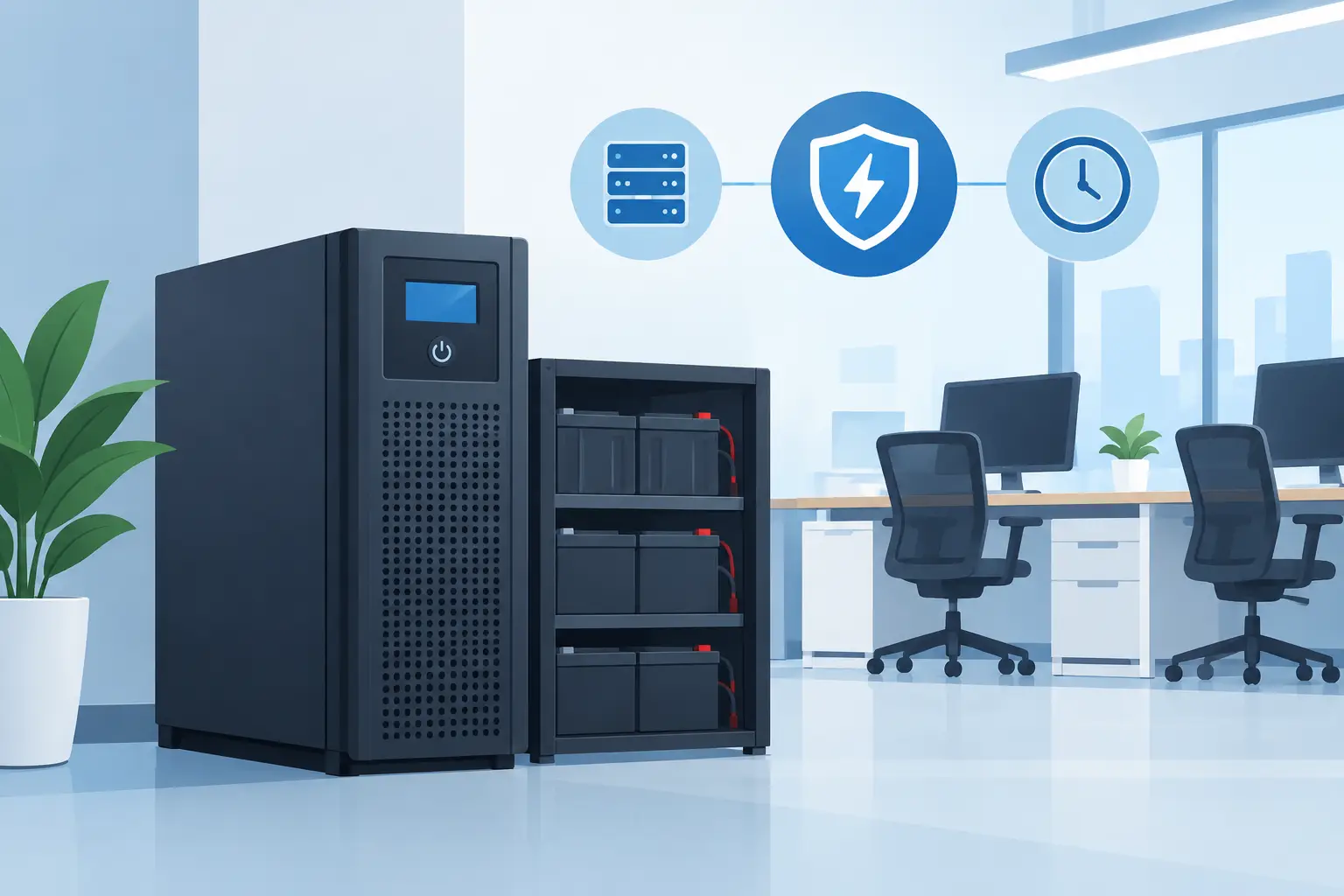

A UPS that is too small can fail at the precise moment your business needs it most. A unit that is excessively large increases capital cost, battery replacement costs and rack or floor space without adding meaningful protection. Knowing how to size office UPS equipment correctly means matching power capacity and battery runtime to the systems that keep your people connected, productive and operational.
For a small office, that may mean protecting a network cabinet, internet connection and key workstations. For a larger organisation, it may involve Dell PowerEdge servers, storage, switches, security appliances and communications equipment supporting critical services. The calculation is straightforward when the scope is clear, but the right answer depends on the load, runtime objective, future growth and power environment.
Start with the systems that must stay online
Do not begin by adding every device in the office to a UPS schedule. Start with a business-continuity question: what must continue operating when mains power fails, and for how long?
In most offices, the priority is the core IT environment. This often includes servers, storage, firewalls, routers, network switches, Wi-Fi controllers, voice systems and the monitor or console required to manage them. In a network cabinet, a modest UPS may protect the entire connectivity stack. In a server room, the load can be far higher and may require a rack-mounted or scalable online UPS.
Desktop computers are a separate decision. Protecting every workstation for an extended outage can become expensive quickly. Many organisations instead provide enough runtime for staff to save work and shut down safely, while allocating longer backup time to central servers, networking and communications. Reception, finance, trading, security or control-room positions may justify a different approach because their work cannot simply pause.
Also identify equipment that should not share the office UPS. Laser printers, photocopiers, kettles, air conditioners and other high-inrush or heating loads can overwhelm a unit and shorten available runtime. A UPS is designed for sensitive IT loads, not as a substitute for a building-wide generator strategy.
How to size office UPS capacity accurately
UPS capacity is stated in both watts (W) and volt-amperes (VA). Watts represent the real power consumed by connected equipment. VA represents apparent power, which is influenced by the load’s power factor. Both figures matter, and the UPS must be adequate in both ratings.
The safest method is to use the actual wattage reported by each device, its manufacturer specification, or a measured reading from a power meter or managed PDU. Add the wattage of every device that will be connected. Then add sensible headroom – usually 20 to 30 per cent – for load variation, battery ageing and planned growth.
For example, consider a small server room with the following estimated load:
- Two servers at 450 W each
- Storage at 300 W
- Firewall, router and switches at 250 W combined
- Monitoring console at 150 W
The combined load is 1,600 W. Adding 25 per cent headroom produces a requirement of 2,000 W. The selected UPS must therefore support at least 2,000 W, while its VA rating must also be sufficient for the connected equipment’s power factor. A 3 kVA UPS with a 2.7 kW output rating could be appropriate; a 3 kVA model limited to 1.8 kW would not be.
Do not size from VA alone. Modern servers and networking devices often have high power factors, so their real watt demand may be close to their VA demand. Always check the manufacturer’s output watt rating before approving a model.
Use measured load where possible
Nameplate ratings are useful, but they often overstate normal consumption. A server power supply rated at 1,100 W does not necessarily draw 1,100 W continuously. Conversely, an environment may consume more than expected if new drives, PoE switches, additional access points or high-performance processors have been added.
For existing installations, measure the live load during a representative busy period. For new infrastructure, use realistic manufacturer figures and validate the design during commissioning. This approach avoids buying an oversized UPS on paper or discovering that a seemingly adequate unit is already close to capacity.
Calculate the runtime your organisation needs
Capacity answers whether the UPS can carry the load. Runtime answers how long it can carry it. These are different decisions.
A five to ten minute runtime may be enough where the generator starts automatically and reliably. It provides a bridge through short interruptions and gives the generator time to stabilise. A 15 to 30 minute target is common for offices without immediate generator support, particularly where IT teams need time to assess an outage, complete work or initiate an orderly shutdown.
Some applications need longer autonomy. A site with critical communications, security systems, remote access or regulated data processes may require one hour or more. At that point, external battery cabinets, extended-runtime UPS models or generator integration normally become more cost-effective than simply selecting a much larger standard unit.
Battery runtime falls as load rises. A UPS that supports a 3 kW load may run it for only a few minutes using internal batteries, but may support a 1 kW load for much longer. Check the manufacturer’s runtime chart for the exact UPS and battery configuration at your expected load, not only at full load. This is where technically similar quotations can produce very different operational outcomes.
Choose the right UPS topology for the risk
UPS topology affects the quality of protection, efficiency and price. The right choice depends on the criticality of the connected equipment and the quality of incoming power.
Line-interactive UPS for desktops and network cabinets
Line-interactive models are a practical choice for individual workstations, small network cabinets and non-critical office equipment. They can correct moderate voltage fluctuations and switch to battery during a mains failure. They offer good value where power quality is generally stable and downtime risk is limited.
Online double-conversion UPS for servers and critical IT
For server rooms, storage, core switching and highly sensitive equipment, online double-conversion UPS systems are usually the preferred option. They continuously regenerate clean output power, isolating connected equipment from voltage variation, frequency issues and many power disturbances. There is no transfer delay when the mains supply fails.
The higher initial investment is justified where a server outage could interrupt operations, compromise data, damage customer confidence or require costly recovery work. Eaton online UPS solutions are widely used in these environments because they support scalable, manageable power protection for business infrastructure.
Allow for growth, redundancy and battery life
Headroom is not merely a safety margin. It is a planning tool. If a UPS is operating near full load, there is little room for an extra server, a new PoE switch, additional storage or expansion of the business application environment. Running consistently close to maximum capacity can also reduce runtime and make maintenance planning more difficult.
A 20 to 30 per cent allowance is suitable for many offices. Consider more where growth is likely, where the equipment roadmap is uncertain, or where the UPS will remain in service for several years. For high-availability environments, consider redundancy as well. An N+1 design uses additional capacity so the protected load remains supported if one UPS module fails or is taken out of service.
Battery condition deserves equal attention. UPS batteries are consumable components and their service life is affected by temperature, load cycles and maintenance quality. A server room that runs too warm can significantly reduce battery life. Regular testing, replacement planning and monitoring are essential if the runtime stated on a specification sheet is to be available during a real outage.
Plan installation, monitoring and shutdown
Correct sizing is only part of the project. The installation must account for electrical circuits, plug and socket types, rack space, cooling, bypass arrangements and safe maintenance access. A larger UPS may require a dedicated electrical feed or professional hardwiring rather than a standard wall outlet.
Network management is equally valuable. A managed UPS can report battery health, load, input quality and alerts to the IT team. It can also trigger an orderly shutdown of Dell servers and storage when a prolonged outage exceeds available battery time. This protects applications and data far better than waiting for batteries to become depleted.
For organisations in Doha and across Qatar, local availability and support should form part of the specification. Genuine UPS equipment with official manufacturer warranty, fast delivery and qualified installation support reduce the risk of delays when power protection is urgently required. Delta Business Systems can assess the protected load, runtime target and growth plans, then recommend an Eaton solution matched to the environment rather than simply the largest model available.
A well-sized UPS gives your team time: time for a generator to start, time to shut systems down safely, and time to keep essential services available while decisions are made. For a quotation, site assessment or product consultation, email business@dbsqatar.com or call +974 3139 3916.